
Point, click, and document - your photos are your data archive
Most people think of their iPhone camera as a way to capture sunsets, selfies, or family vacations. I use it for that too, but over the years I’ve realized it’s something much more powerful: a living, breathing archive of my daily life.
I take pictures of everything of consequence. A lunch with a friend or business colleague. The bill that just showed up in the mail. A cocktail I liked at dinner. My kids’ activities, of course. The odometer reading before a long road trip. Property tax statements. A new repair done around the house. That mango tree in the backyard when it’s full of fruit. The new gadget or piece of furniture we just installed.
Why? Because photos are more than just memories—they’re records.
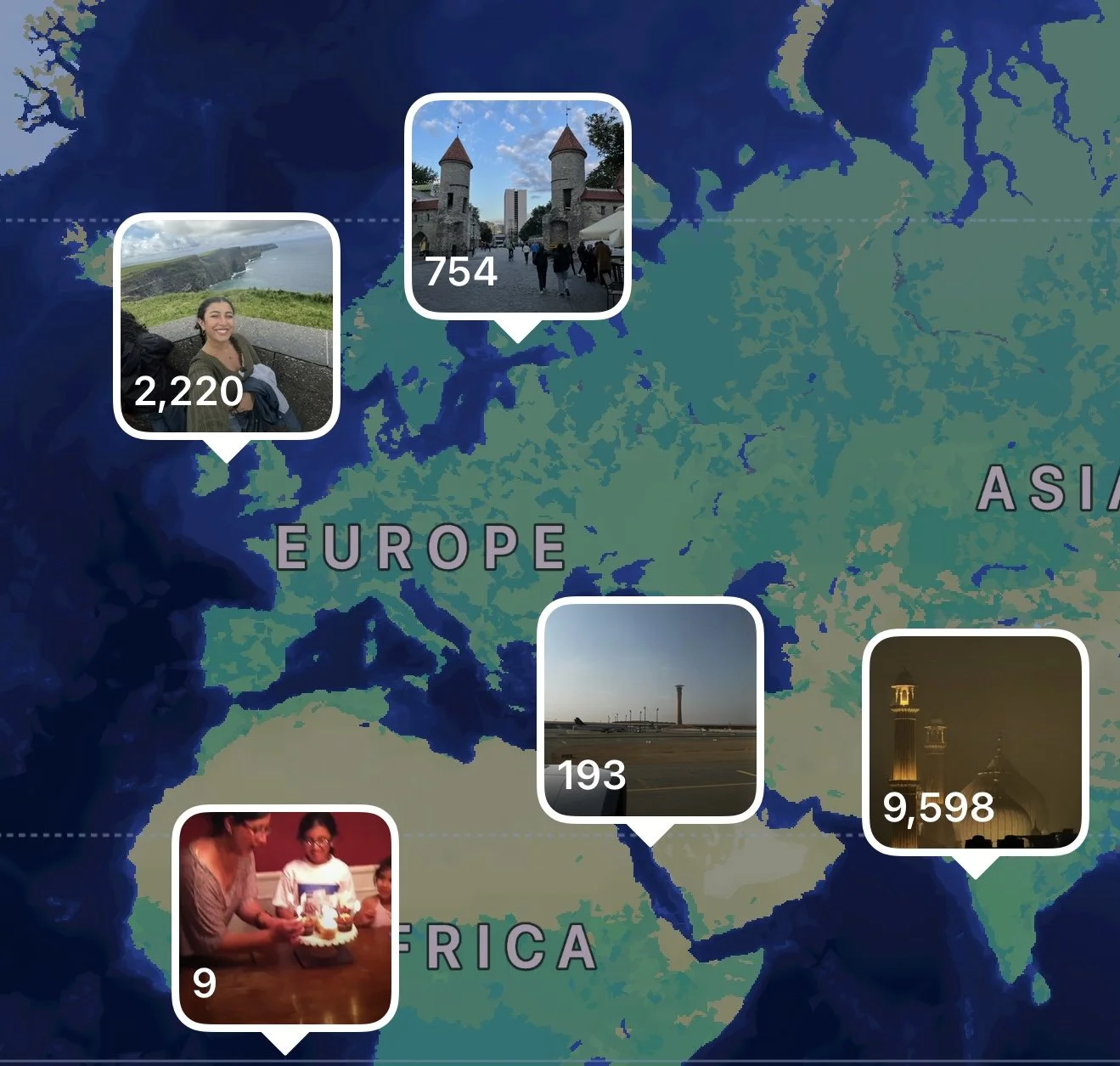
Every photo comes with two things automatically attached: a time and a place. The timestamp builds you a perfect timeline, and the geo-tag quietly drops a pin on a map. Ten years from now, if I ever need to remember when my Prius crossed 200,000 miles, or when exactly the front porch light was replaced, it’ll all be there.
This habit has turned my Photos library into the most comprehensive diary I’ve ever kept—without ever writing a word.
The magic is in how searchable it all is. Apple’s Photos app has grown smarter every year, and now it’s not just faces or locations you can search for. You can literally type “bill” and it’ll pull up pictures of bills. Need the receipt from that sushi place in Pasadena? Search “sushi” and odds are it’ll pop up. The app even recognizes text inside photos, which means the random note you snapped or the model number on your air filter is now part of your personal database.

